


Opens in a new tab
Plans & PricingSignup for FreeGet a demo

White-Label Dashboard Software for a Fully Branded Analytics Experience

Turn ClicData into your own data platform. Replace our logo with yours, swap our domain for yours, send dashboards from your email address, and deliver a complete white-label analytics experience to your clients, partners, or team without writing a single line of code.
Luxury lobby and black sports car login screens

What is white-label analytics?

White-label analytics is a BI platform you can rebrand and present as your own. Same dashboards, same data engine, same scheduling, same security, but the login screen, the domain, the email sender, and every visible touchpoint carry your name instead of the vendor's.

For an agency, white-label reporting means clients see your brand on every dashboard you deliver.

For a SaaS company, it means partners and customers see your product, not a third-party analytics tool.

For an internal team, it means a polished, branded data platform that fits the rest of the company's tech stack.
Person analyzing data on computer screen in office.
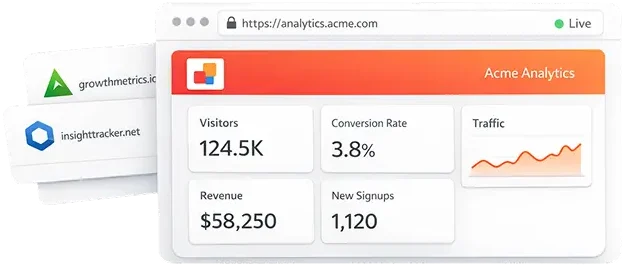
Web analytics dashboard showing traffic and revenue metrics

White label vs. simple custom branding

Adding your logo to a report PDF is not white-label. White label means the entire platform, from the login URL to the menu chrome to the outgoing emails, looks like yours. Anything less and your clients eventually notice the vendor behind the curtain.
With ClicData's white-label option, there is no vendor behind the curtain.

Everything you need to rebrand ClicData as your own

ClicData's white-label features cover every touchpoint the product has with a user. 
Configure them once, and the entire experience for your end users, your team, and your clients runs under your brand.

Your logo and brand on every screen

Replace the ClicData logo with your own across the platform, including the login page, home screen, menu header, and every dashboard your users open. Set your company name, your brand colors, and your typography so the platform looks like a native part of your product.
Your custom domains

Run the platform on your own subdomain dashboards.yourcompany.com or app.yourcompany.com instead of app.clicdata.com. Any domain you host with a standard domain hosting service works.
Once set up, your users never see clicdata.com in their URL bar, their bookmarks, or their shared links.

Your branded login screen

Customize the login experience with your background, your logo, your company name, and your color palette. The first impression your clients have of the platform is your brand, not ours — which is the whole point.

Emails sent from your address

Scheduled dashboard exports, binder publications, alerts, and data deliveries all go out from the email address you configure. Your clients see reports@yourcompany.com in their inbox, not anything from clicdata.com. Reply-to route back to your team.

Custom Live Links toolbars and branding

Configure the toolbars on every Live Link dashboard your clients receive. Choose which controls users see, add your branding to the toolbar, and remove every remaining trace of ClicData from the shared link. Branded share links also work with binders, reports, and embedded views.

Who uses white-label analytics?

White-label dashboard software appears across a handful of distinct business models. 

Marketing agencies and consultancies

Build a white-label client reporting platform that lives under your agency's brand. Onboarding new clients in minutes sets them up as users, gives them access to their own dashboard folder, and lets them log in to yourbrand.com to see live performance data. 

MSPs and reseller programs

Managed service providers, BI consultants, and value-added resellers package the platform as part of a broader analytics offering. White label lets you build a productized data service under your own name without building the data layer yourself.

SaaS products serving multiple clients

Deliver a branded reporting layer alongside your core product. Combine white-labelling with our embedded analytics features to embed your branded dashboards in your customer portal.

Internal teams

White-label ClicData as "CompanyName Analytics," giving it a familiar, in-house feel without the cost of building a custom BI tool. Your teams adopt it faster because it looks like part of your company's existing stack.

Partner and customer portals

Give partners, franchisees, or large customers their own branded login to a dashboard environment scoped to their data. The dashboards live under your brand, the access is controlled per user, and every party only sees what's relevant to them.

Why agencies and SaaS teams choose white label

Every dashboard, every email, every login screen carries your brand. Clients trust what they recognize, and brand consistency removes any ambiguity about who delivered the work.

A branded analytics platform reads as a custom-built solution rather than a generic reporting tool resold under a different name. That perception alone is worth leveraging for pricing on most engagements.

Your clients don’t see ClicData in the URL, emails, logos, or shared links. They don’t ask which vendor you’re using. They see your brand and your reporting, which is exactly the relationship you want.

Set up a single master account, replicate dashboard templates for each client, scope security at the folder level, and onboard a new client in minutes rather than days. Master dashboards with user parameters mean three templates can serve dozens of clients automatically.

Branded dashboards become part of your client’s workflow. Once they’re logging in daily to yourbrand.com for performance data, switching reporting providers becomes a much bigger lift, and that’s a churn-reduction effect worth measuring.

Set up your white-label account in four steps

The full setup typically takes an afternoon. No development work is required; everything is configured in your account settings.

1

Add your name and logo

Upload your logo, set your company name, and pick your accent color. These propagate across the platform UI immediately. If your brand requires it, also set a custom favicon and platform display name.

2

Customize your login screen

Configure the login page with your background image, custom logo, company name, and full color palette. This is the first screen every user sees, and the place where the difference between a “generic BI tool” and a “branded analytics platform” is most visible.

3

Set your custom domain

Point a subdomain you control, dashboards.yourcompany.com or app.yourcompany.com, at the ClicData platform. Any domain hosted with a standard provider (GoDaddy, Cloudflare, Namecheap, etc.) works. Once the DNS resolves, your users log in at your domain, not ours.

4

Configure your sender email

Set the email address for sending dashboard exports, binder publications, scheduled reports, and alerts. Authenticate your domain so messages pass SPF and DKIM checks, and your clients see reports@yourcompany.com in their inbox, no spam folder surprises, no vendor mention.
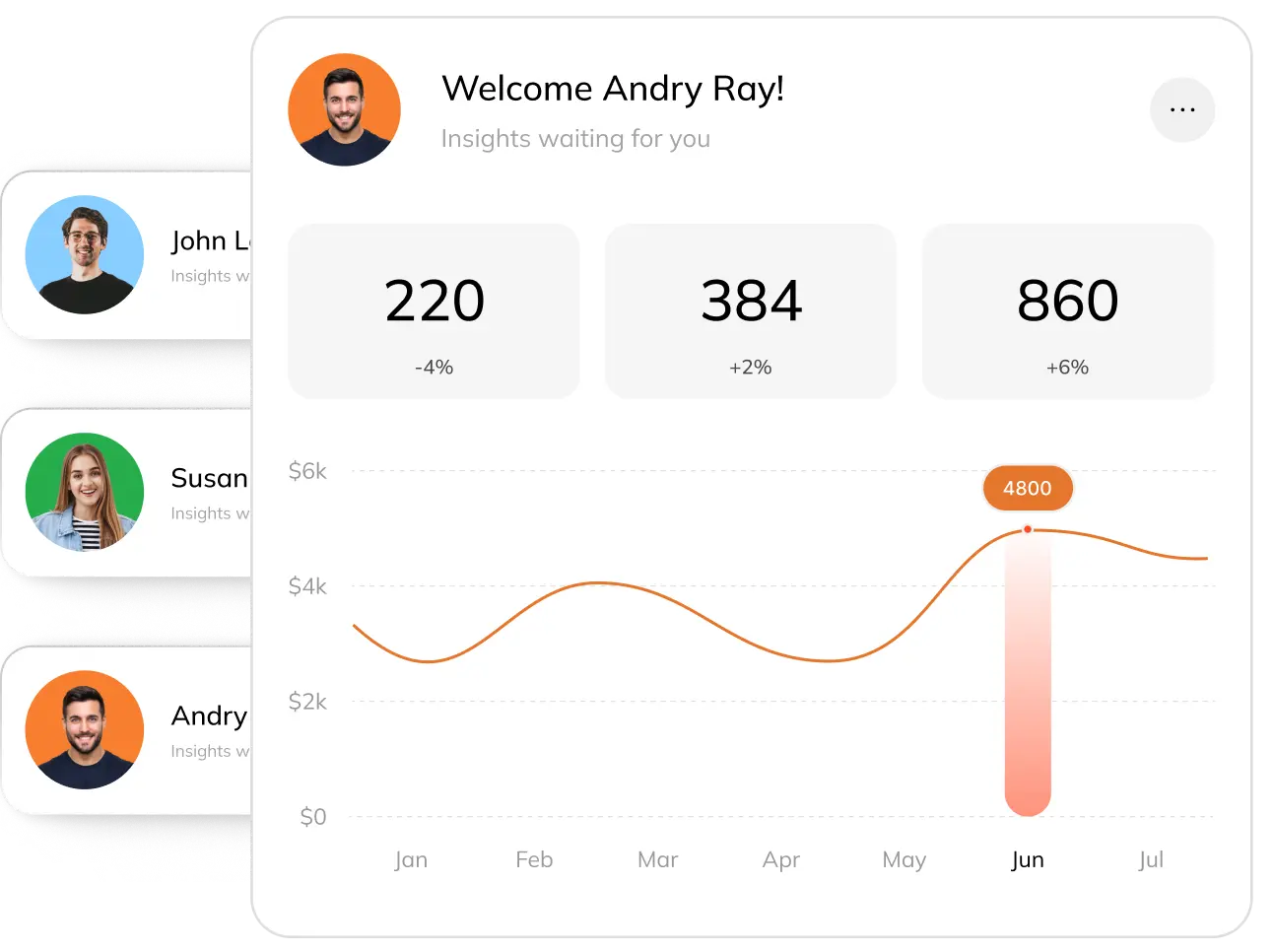
Analytics dashboard with metrics and monthly revenue chart

One master dashboard, multiple clients

Build three master dashboards instead of sixty. User parameters automatically filter the data each client sees, so the same template renders the right view for every account. Add a new client, they get the dashboards instantly, scoped to their data.
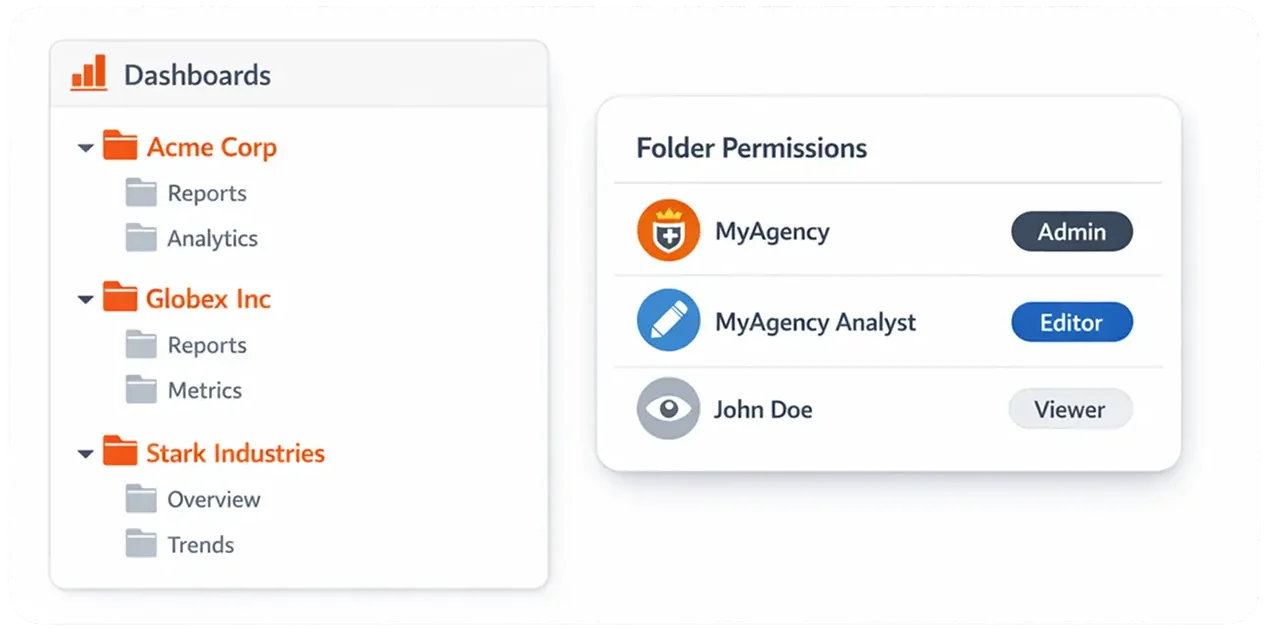
Dashboard with folders and user permission roles

Folder-level security per client

Organize each client in their own folder, assign folder-level permissions, and grant Editor or Viewer access based on how much control you want the client to have. Admins see and edit everything. Editors edit what they're given. Viewers only view.
Web analytics dashboard showing traffic and revenue metrics

Branded share links and reports

Every Live Link, every scheduled PDF, and every binder export carries your branding and lives on your custom domain. Clients save the link, bookmark the domain, and treat it as their reporting platform. Because it is.

Ship a branded analytics platform this week

Start a free trial and try the white-label configuration on your account, or book a 30-minute walkthrough with our team. We'll map your use case agency, MSP, SaaS, or internal and show exactly how the setup looks for your scenario.
This site is registered on wpml.org as a development site. Switch to a production site key to remove this banner.